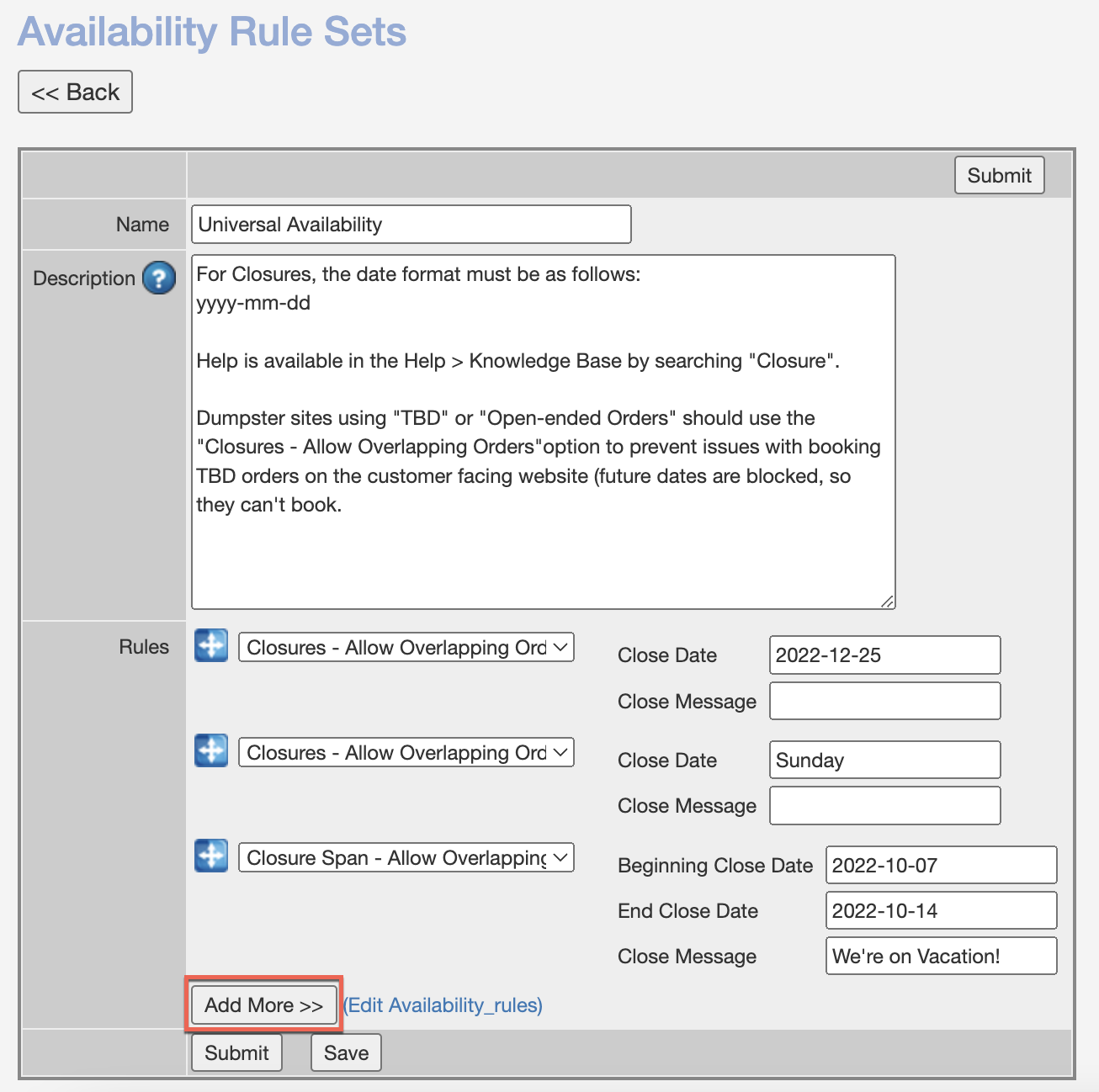
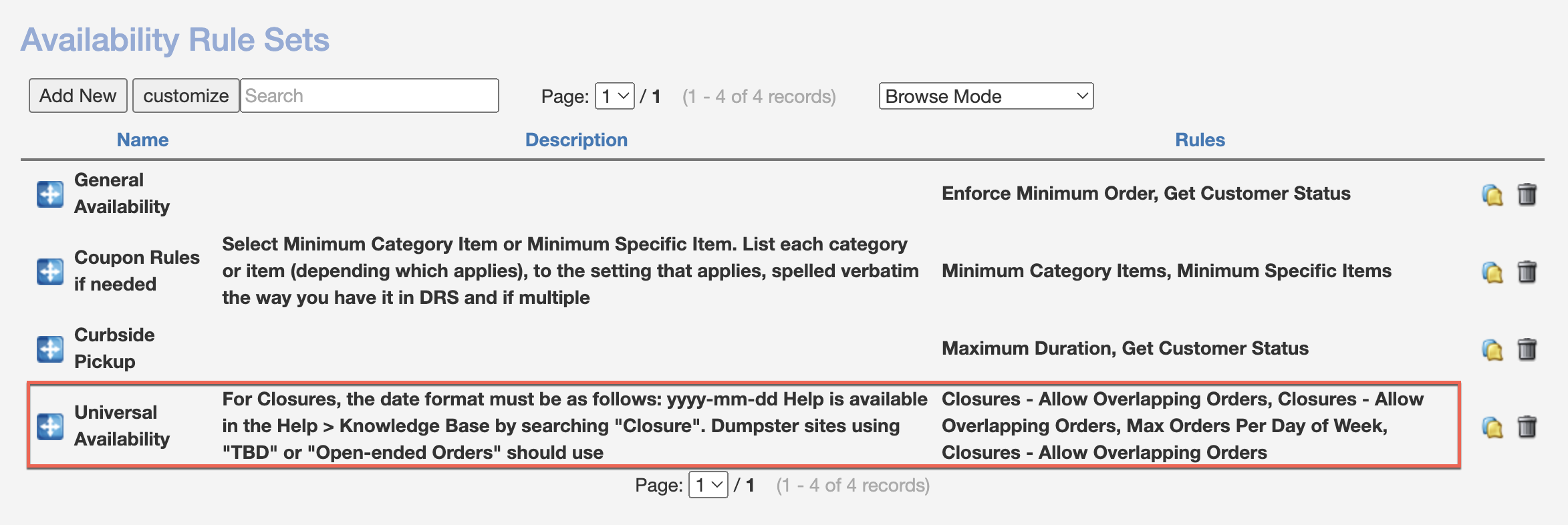
To close your business for a date or date range, Navigate to Admin > Rules > Availability Rule Sets and Click on "Universal Availability":
Use the "Add More > >" button for additional boxes. For DRS Accounts, use any of the following rules:
- "Closures - Allow Overlapping Orders" - Closes a single date for deliveries and pickups.
- "Closure Span - Allow Overlapping Orders" - Closes a date range for deliveries and pickups.
- "Closure Span Delivery - Allow Overlapping Orders" - Closes a date range for deliveries only.
Any closure dates must be in the following format: YYYY-MM-DD or use a day of the week. You can add a custom "Close Message" as well: