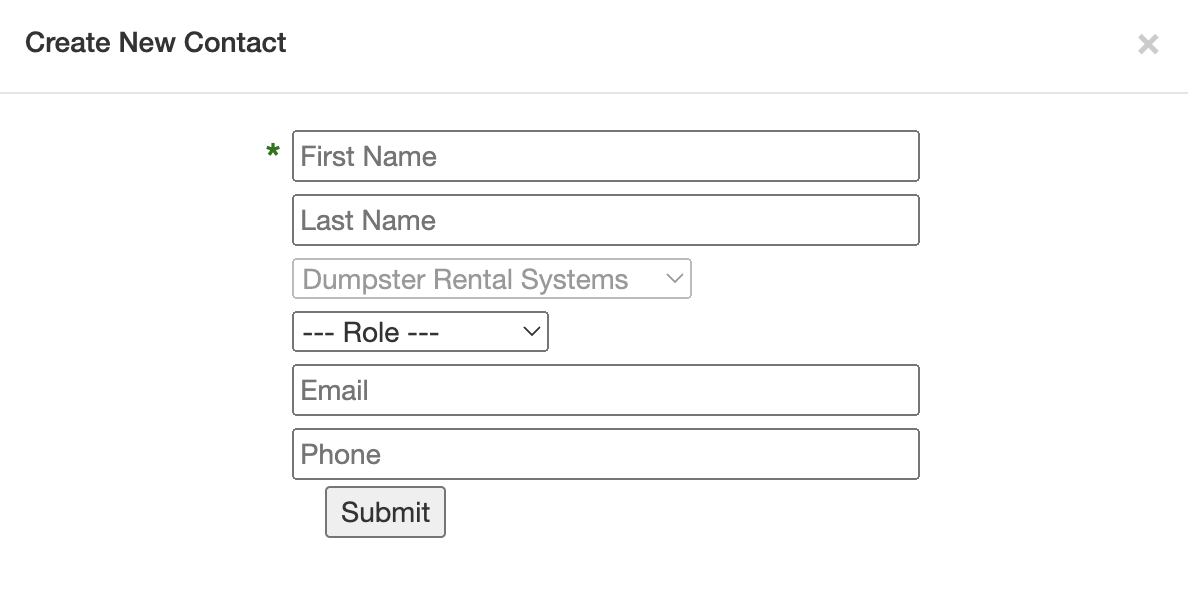
The Commercial Customer Relationship Manager (CRM) is centered around building company profiles instead of customer profiles. Each company profile is assigned specific Company Type. After a company profile is created, you can contacts for that organization with an assigned Company Role to indicate their job/position at that company:

Configure Company Types and Company Roles
Before adding companies, we recommend reviewing your list of Company Types and Company Roles.
- Company Types are edited from CRM > Shortcuts > Company Types, OR Admin > General Config > Company Types
- Company Roles are edited from CRM > Shortcuts > Company Roles, OR Admin > General Config > Company Roles
Create a Company and Contact
Click the "+ New Company" button to create a commercial profile for a business. After you enter the company's information, you can also add the first contact, if applicable.
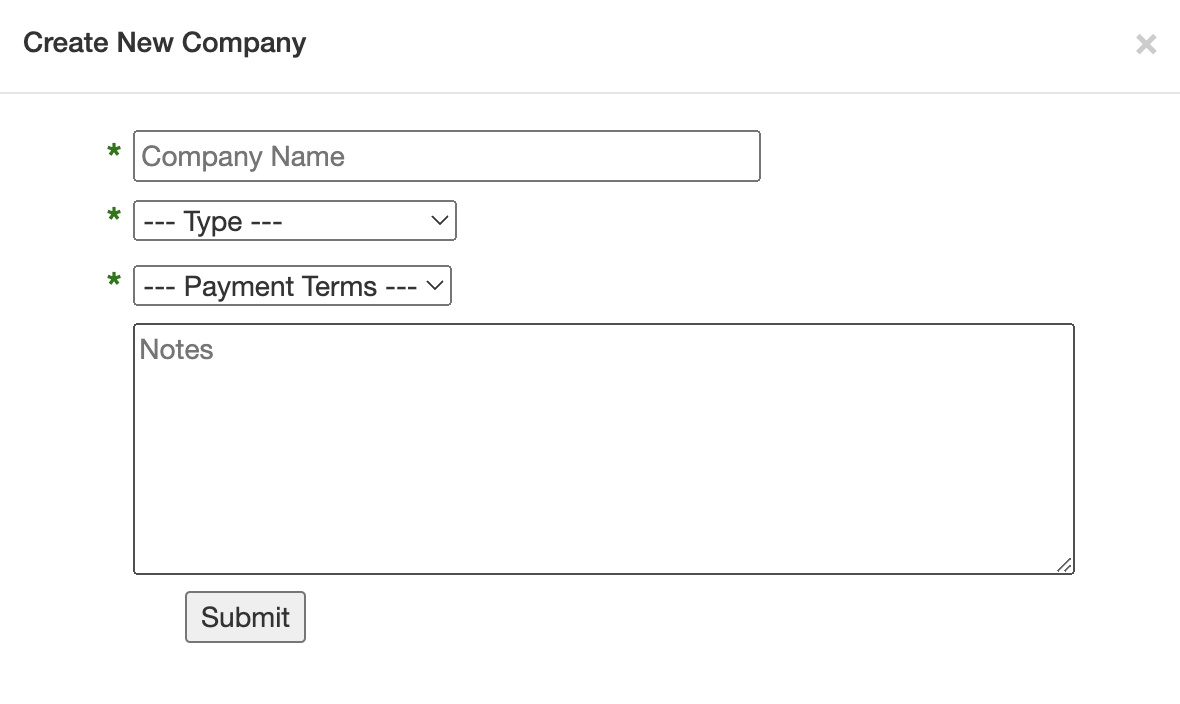
Fill out the appropriate fields and click "Submit" to save the entry:
If you do not have a contact to enter, you can click the "X" to close this box, which will still save the company: