
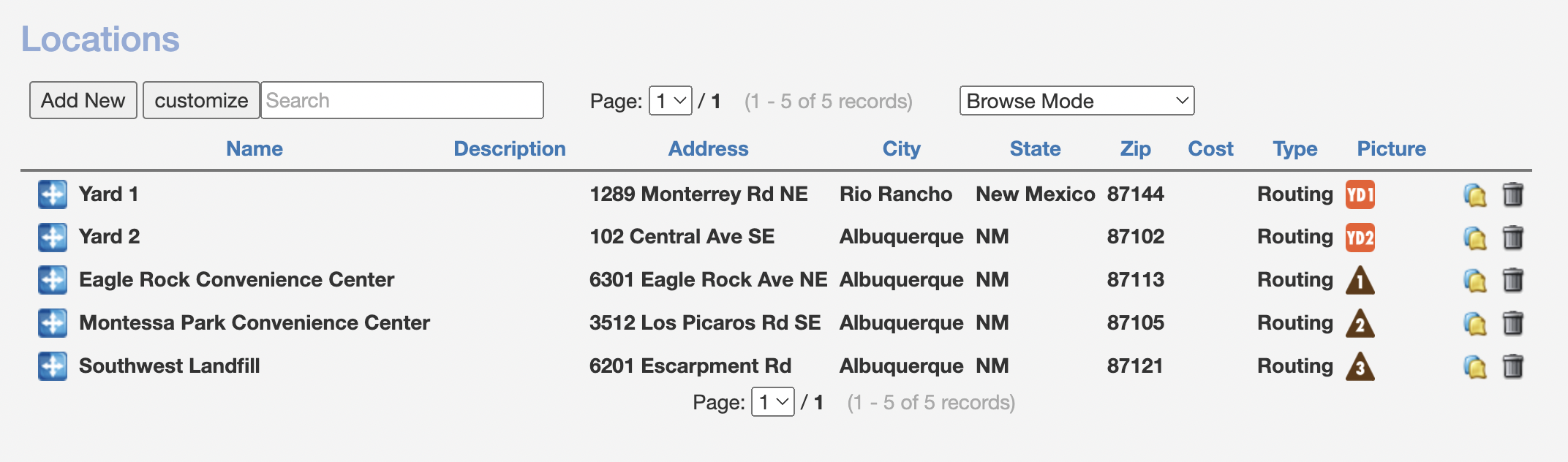
Under Admin > General Config > Locations, you can add custom locations for use in Routing & Delivery. In this area, you can add multiple yards, landfills, transfer stations, etc., with custom icons. DRS provides some default icons to use.
Once added, click the "+" sign in Routing & Delivery to quickly and easily add your custom locations to a route.
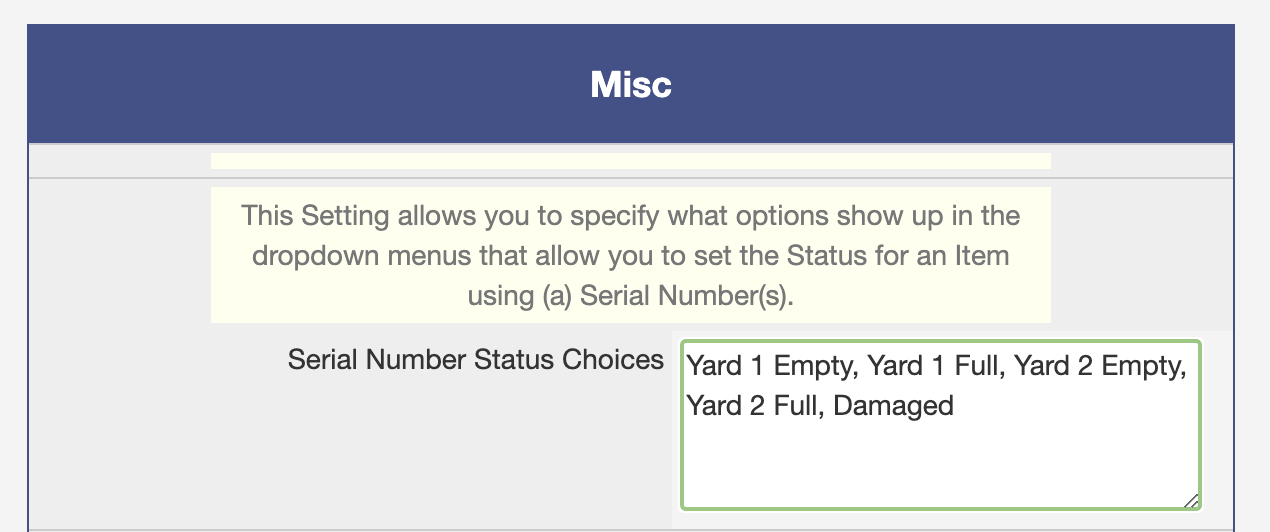
Note: For Serial/Tracking Numbers, you can add these to your list of statuses under Admin > General Config > Misc Settings to indicate which Yard/Lot inventory is in:
Here is a video guide for Custom Locations: