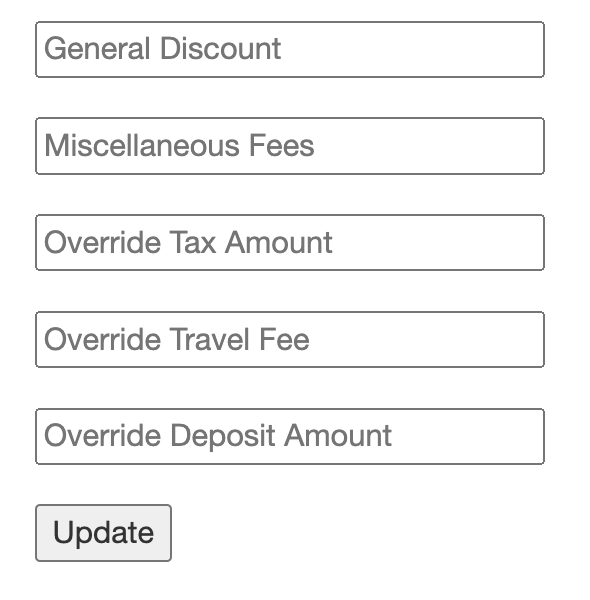
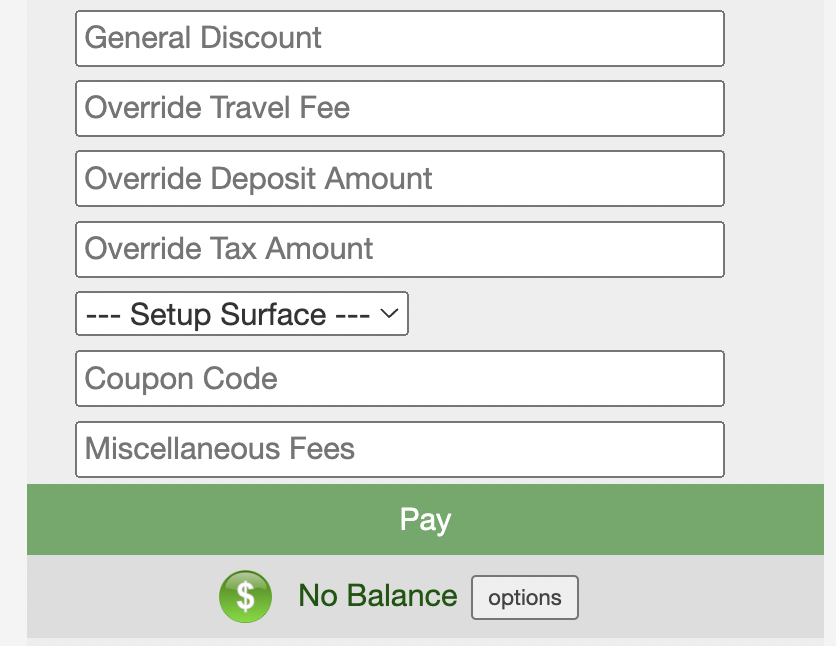
There are boxes provided on every order to easily override a certain price or discount an order. When placing a new order, you will see them on the Single Page Checkout in the bottom right:
Available Fields:
You can use percentages, regular numbers, and add notes after the number as seen here:
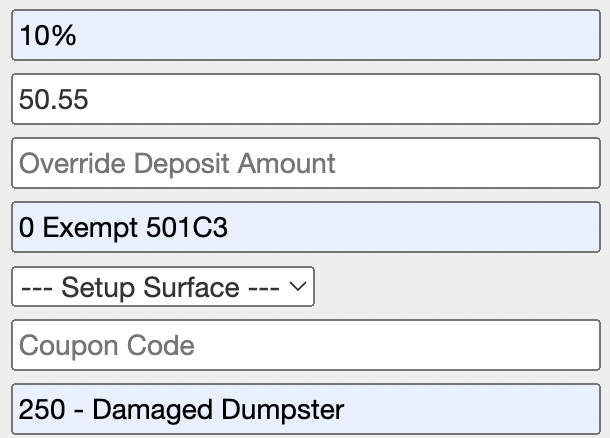
Tip: Use a "0" in the "Override Tax Amount" box to make an order tax exempt. The additional notes are not required.
Existing Orders
To modify an existing order, click "expand >>" on the order from the Dispatch screen and click the the blue "Customer" link.
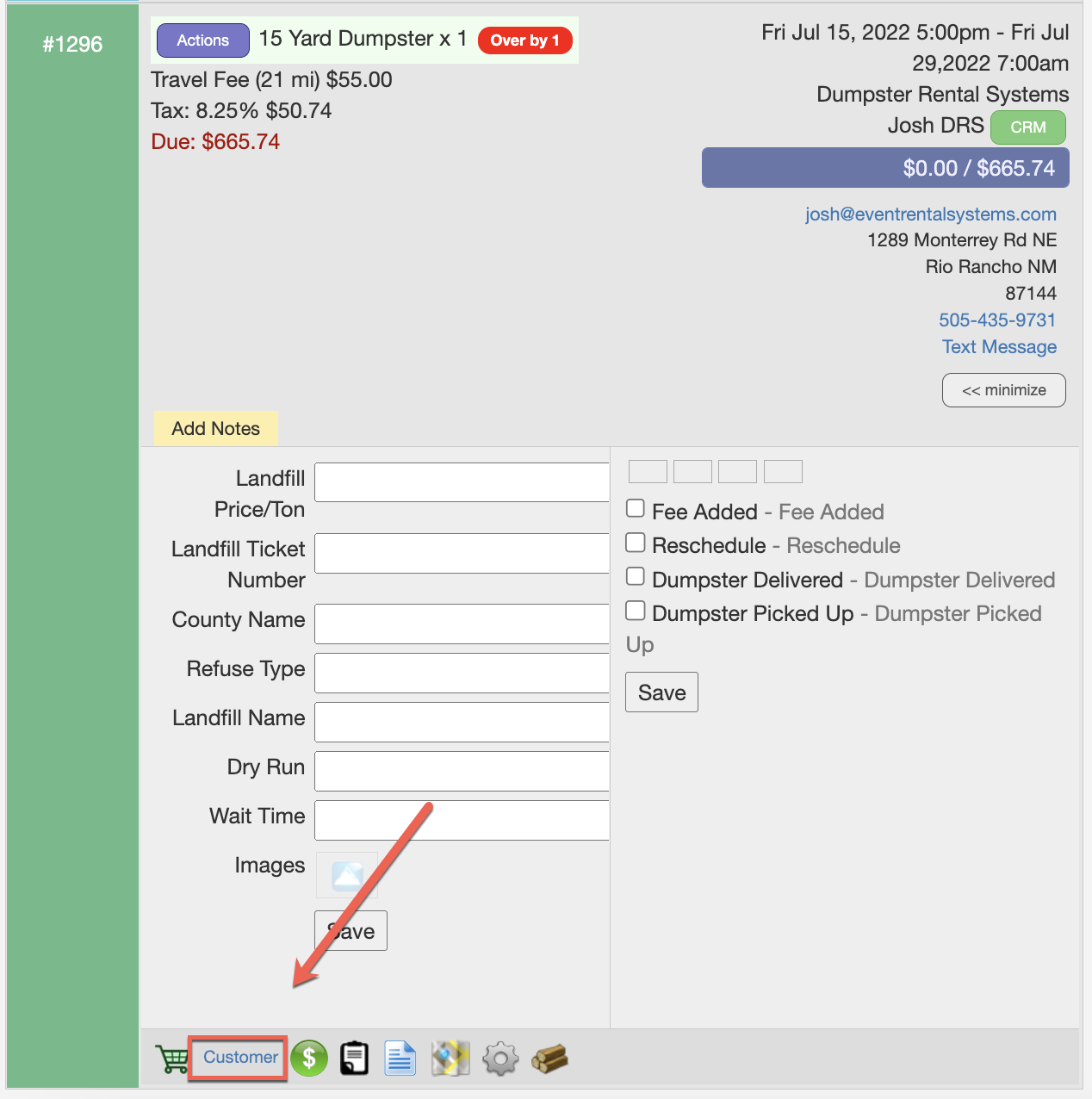
The fields are located in the bottom right. Click "Update" when done: