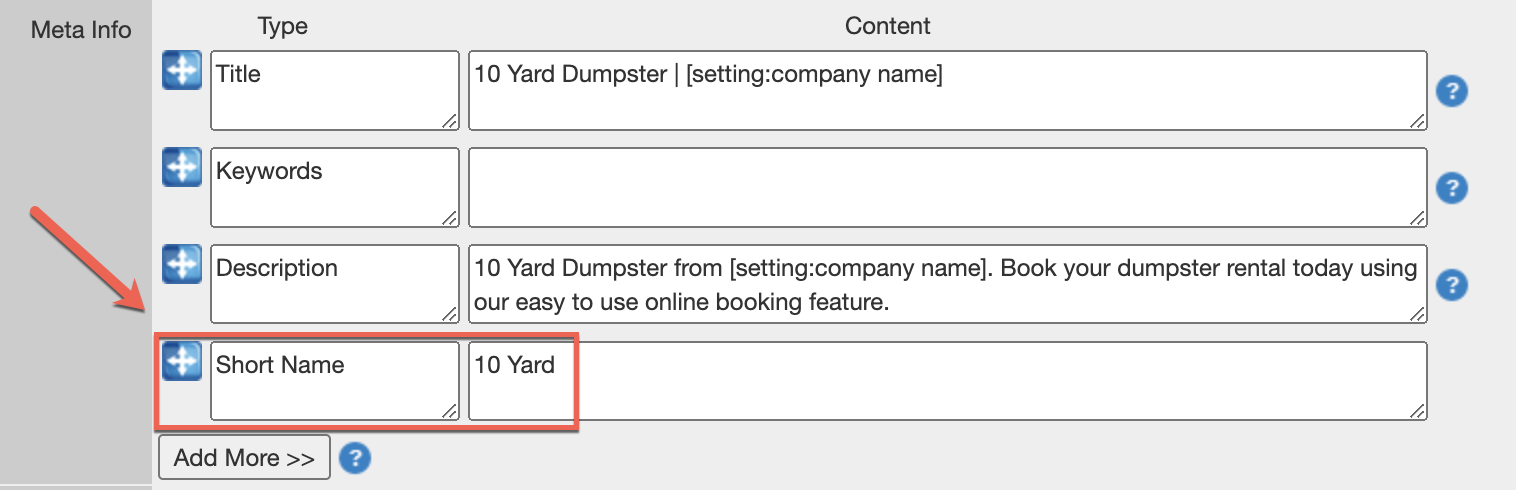
Instructions for the Availability Chart on the "Dispatch Screen" are located just below the chart. They read: "You can customize which items show up in this chart under Admin > Products > Items by finding the item you would like to add, and adding a 'Short Name' under 'Meta Info'":
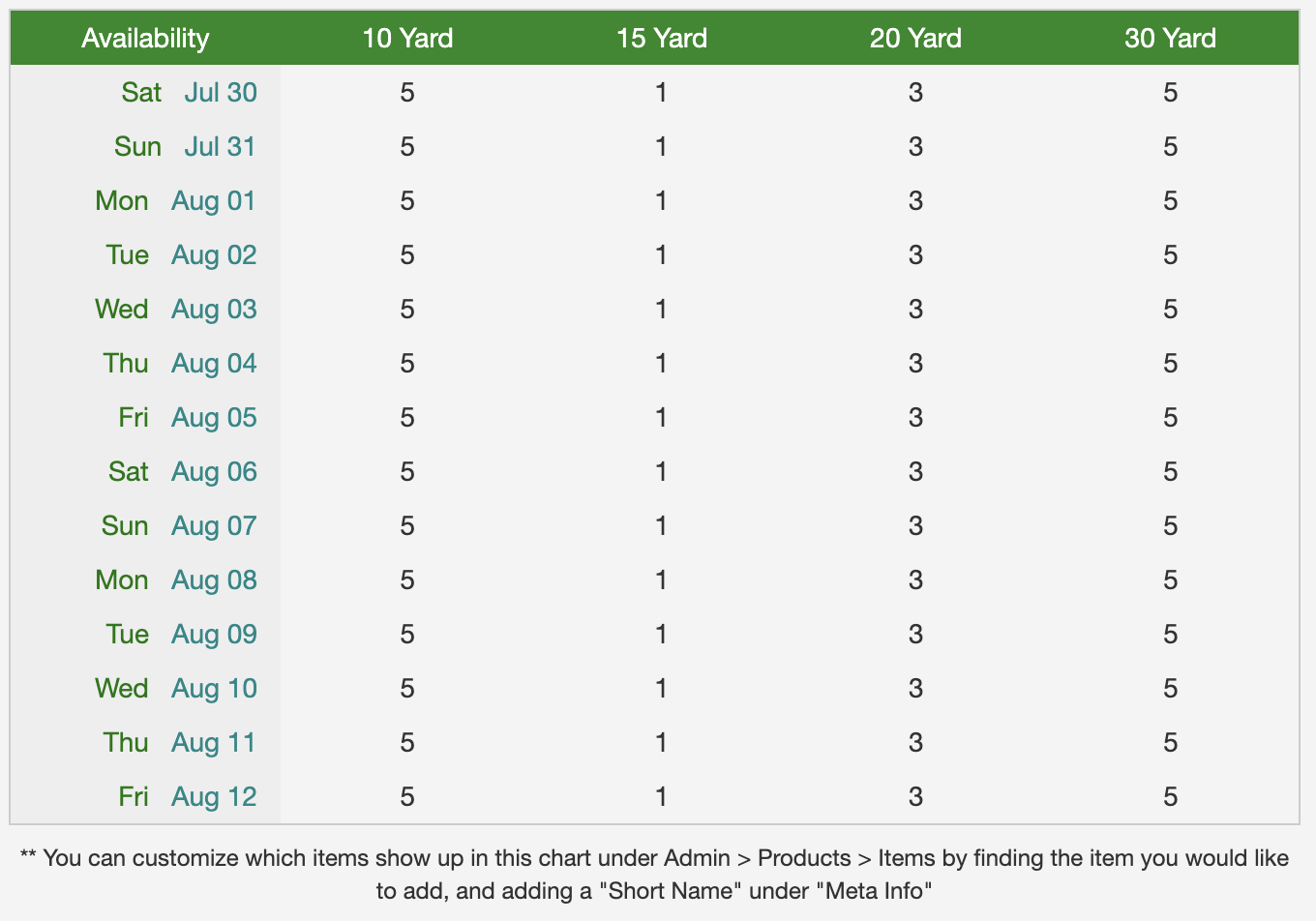
You can add/remove items from this chart using the "Meta Info" field on individual items under Admin > Products > Items. Only "Regular" items should be displayed on the chart as "Package" items draw inventory from existing inventory.