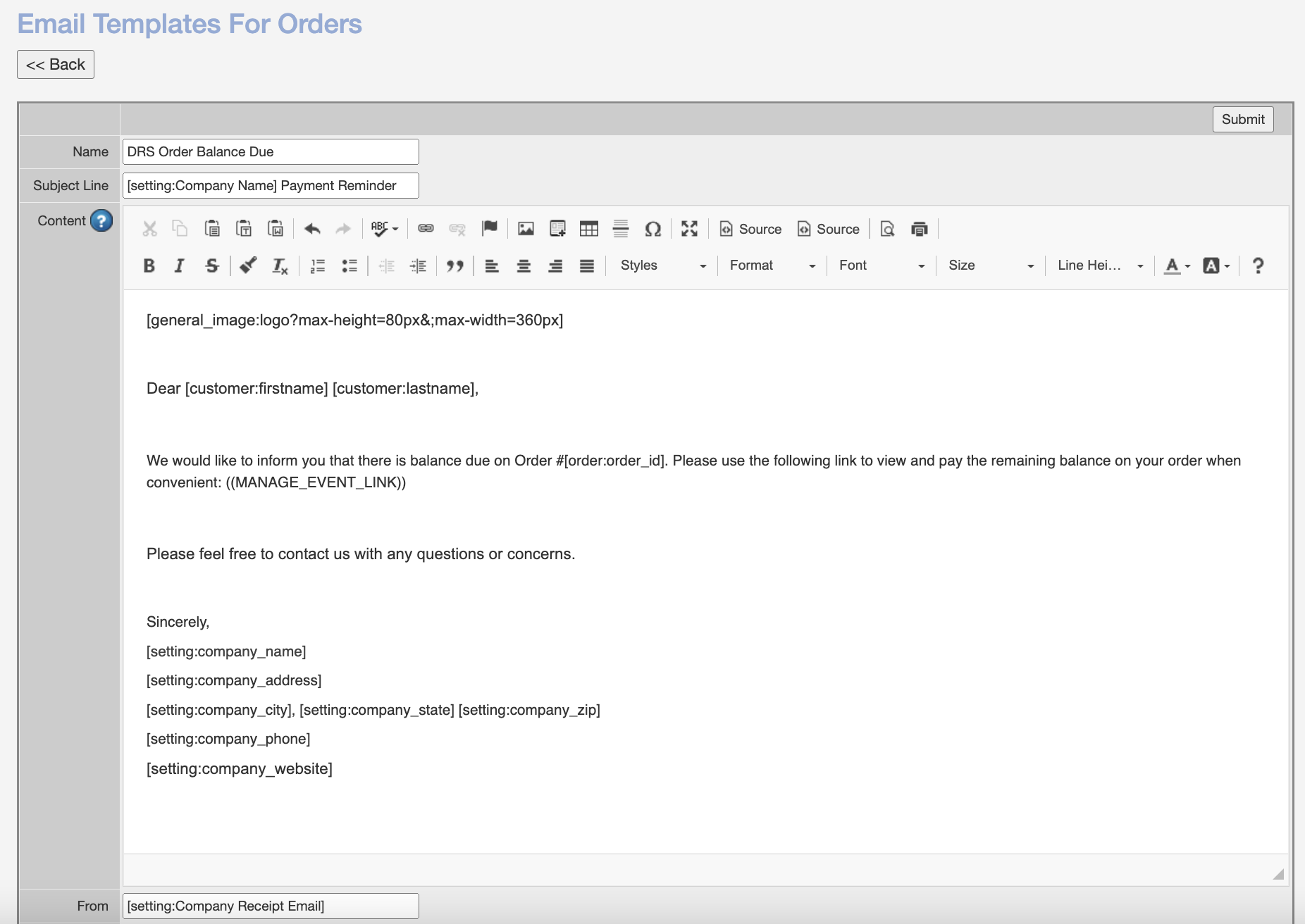
DRS has added the ability to send email templates directly from the "Dispatch" screen, “Open Accounts” Report, “Unsigned Orders” Report, and more. Most email addresses in the Control Panel are clickable links for sending templates.
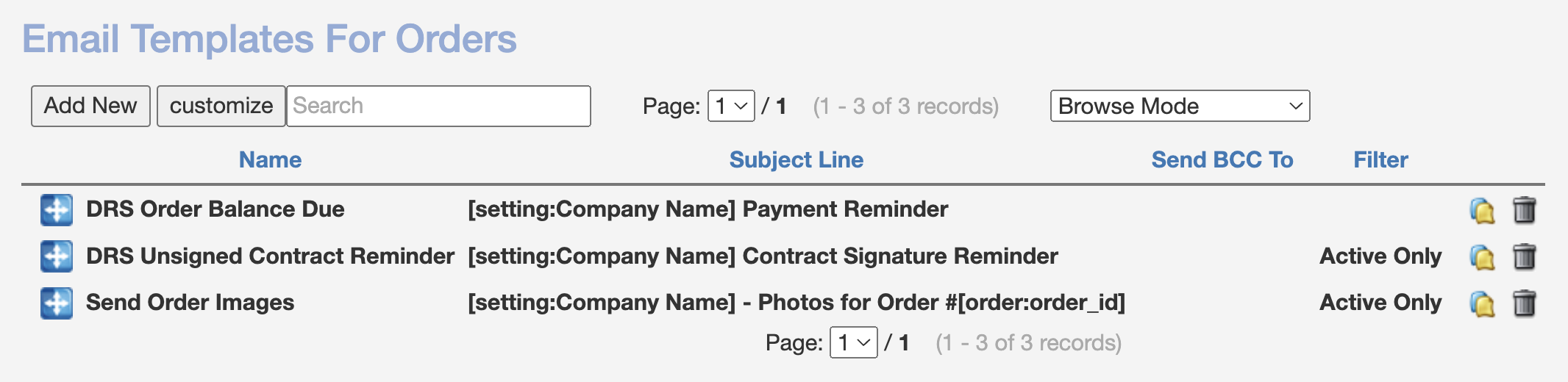
To view and edit available templates, navigate to Admin > Documents > Email Templates For Orders. You can create additional templates as desired by copying existing templates (blue/yellow page icon) or clicking "Add New":
All documents have an editor located at the top for customization. There is an additional option at the bottom to receive a blind carbon copy (BCC). Remember to click "Save" or "Submit" to commit any changes.