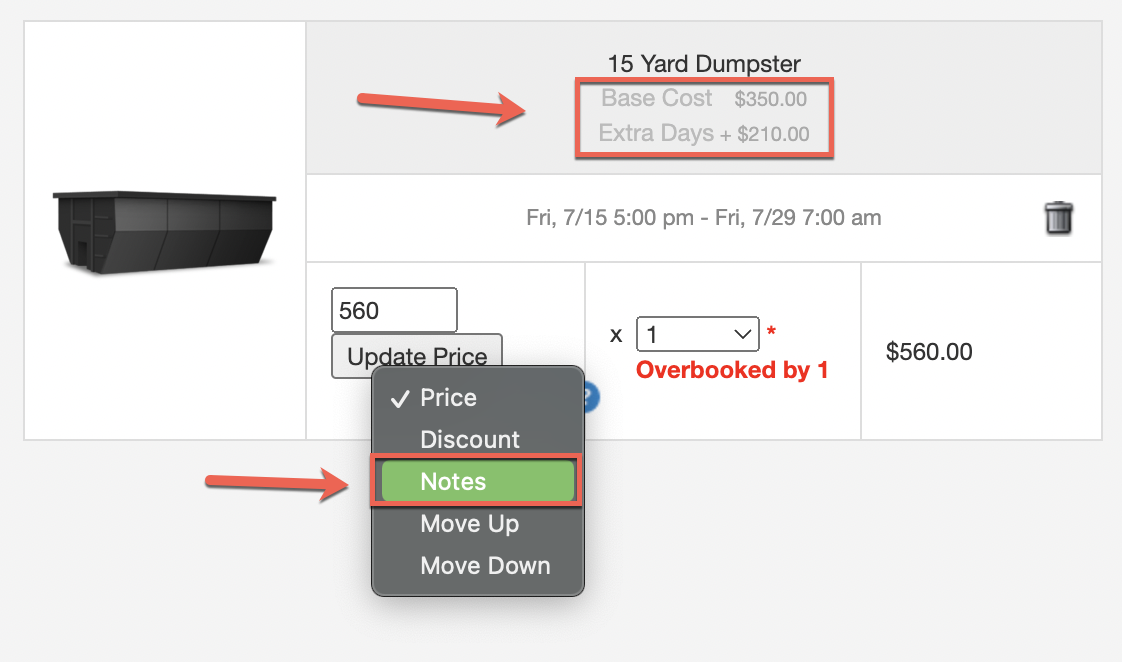
You can override the price of an item in the Single Page Checkout and the Shopping Cart View. This is a one-time override that changes the item's price without showing a discount.
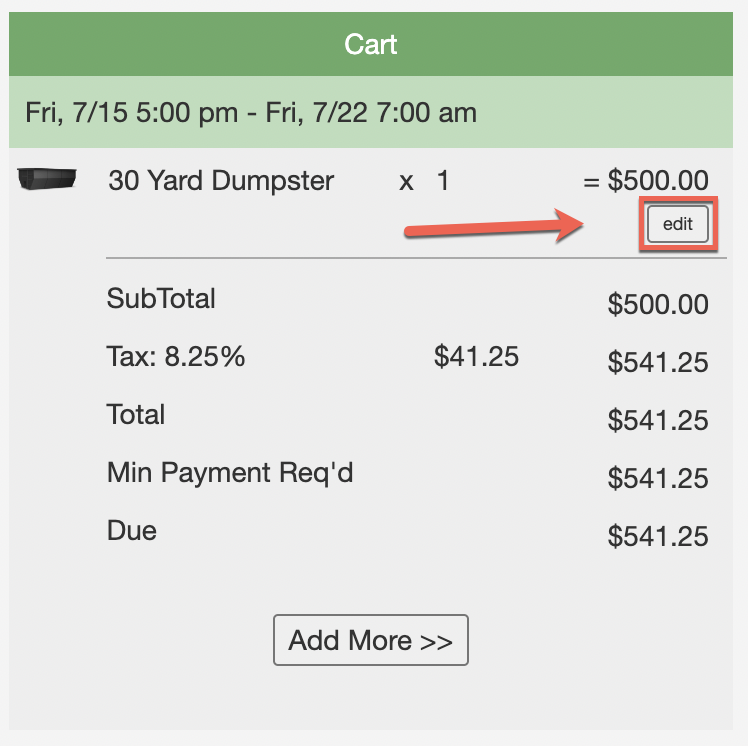
When creating a new order from Single Page Checkout, click the "Edit" button next to the item in the Shopping Cart:
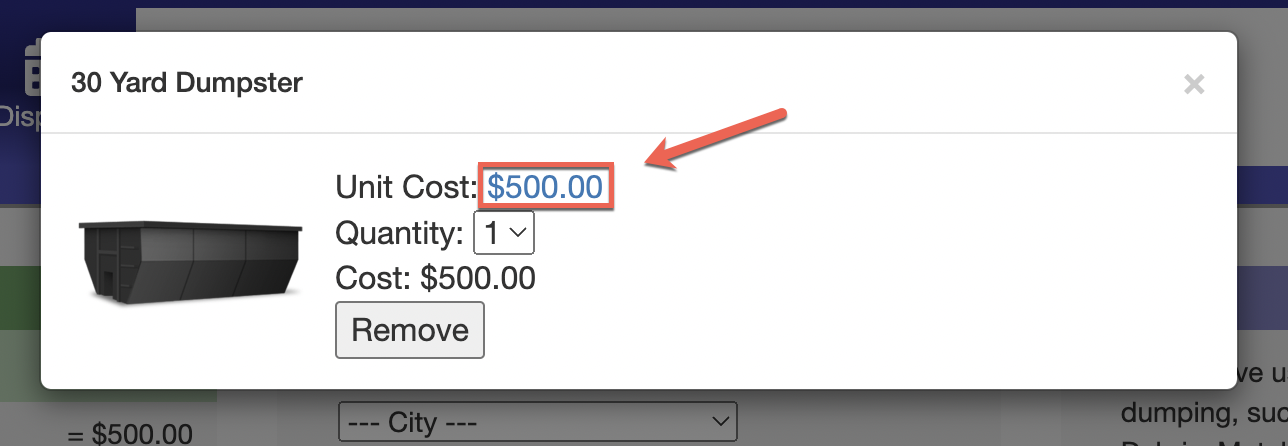
On the pop-up box, click the blue price link to change it:
Existing Orders
To change the item cost on an existing order, click the "Shopping Cart" icon beneath the order on the Dispatch screen:

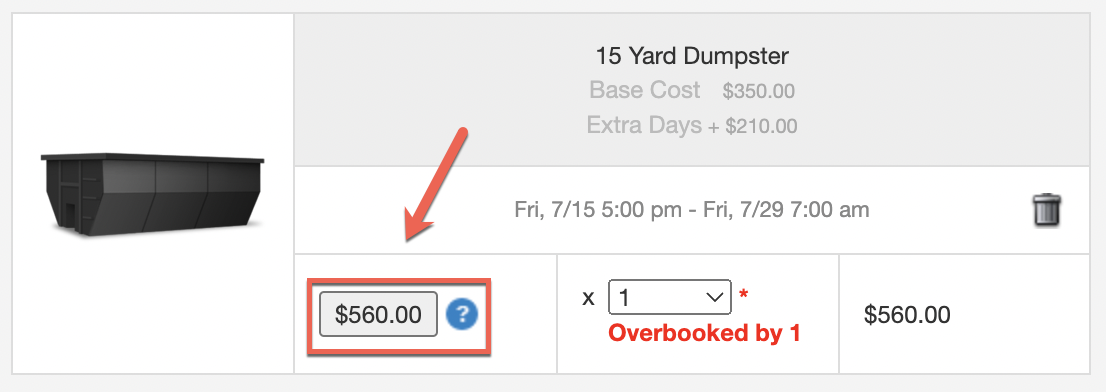
Click the price button to modify the item's cost:
In addition to the price, you can also modify the line item notes by selecting "Notes" from the dropdown box: