Website Tab
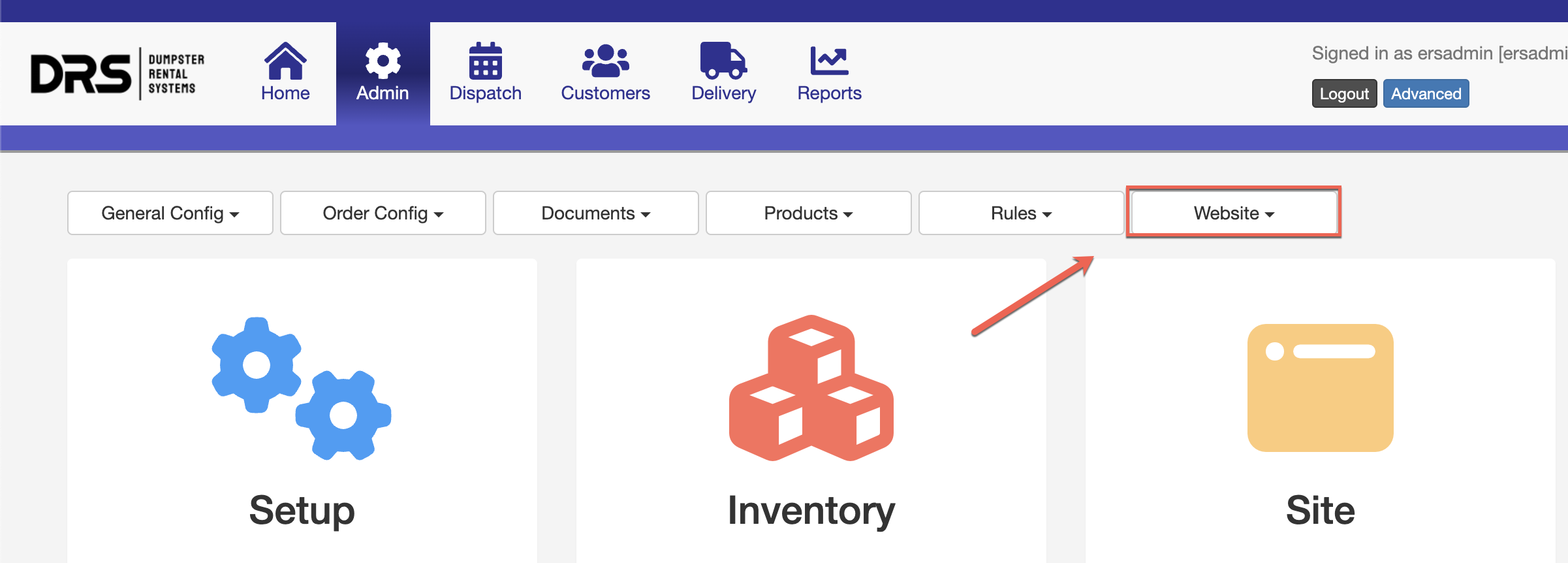
On Dumpster Rental System accounts, the "Website" tab is normally hidden by default. This is to prevent someone from accidentally breaking or editing the website. If you have experience in website development, or would like to learn and make edits, Technical Support can restore the "Website" tab to your Control Panel:
Note: In order to make this change and grant this access, we must have permission from the owner of the account.
Website Developer Access
In addition to the "Website" tab, we can add permission to access some of the website's Source Code and allow you to make your own web sections using our Responsive Editor. By default, all account owners begin as an Access Level 10 "Administrator". Click here for more information on Access Levels, default permissions, and user groups.
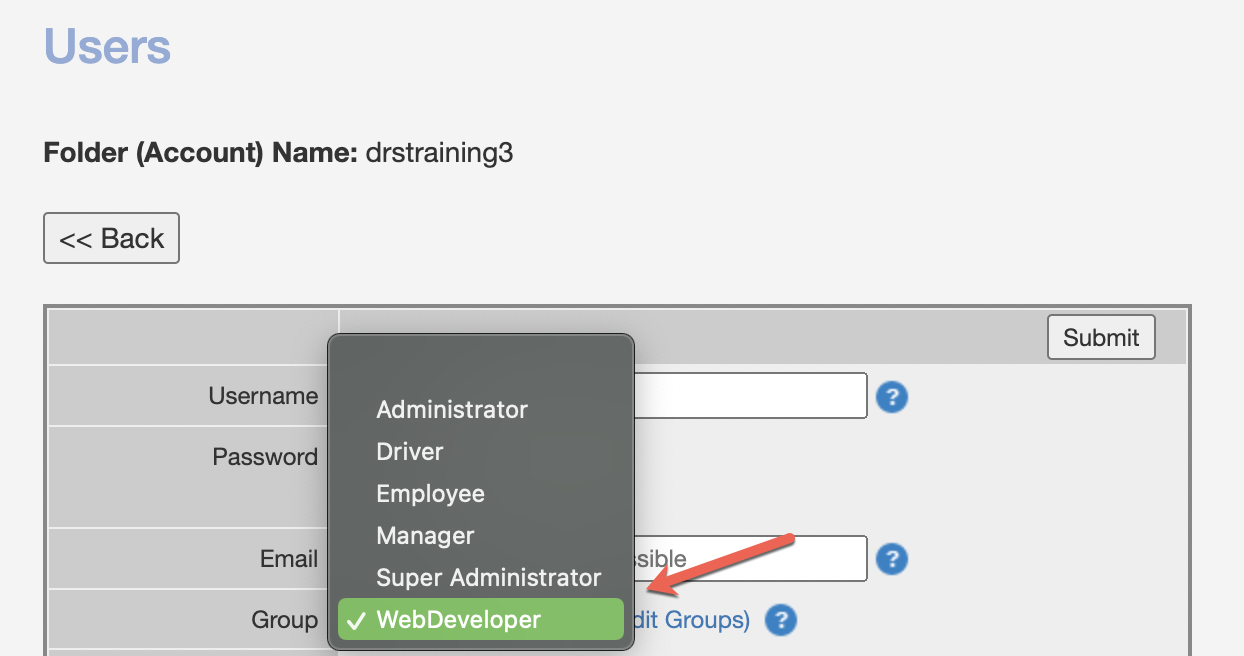
Technical Support must make the change for you to upgrade your "Administrator" permissions to "WebDeveloper". The Web Developer group is Access Level 11, which allows the Developer to edit Admin users. If you are hiring a developer and giving them access, then we would want to upgrade YOUR access and THEIR access, so that they couldn't edit your user. Once you are a "WebDeveloper", you can upgrade other users to the same access.
Groups are modified in the user's area under Admin > General Config > Users:
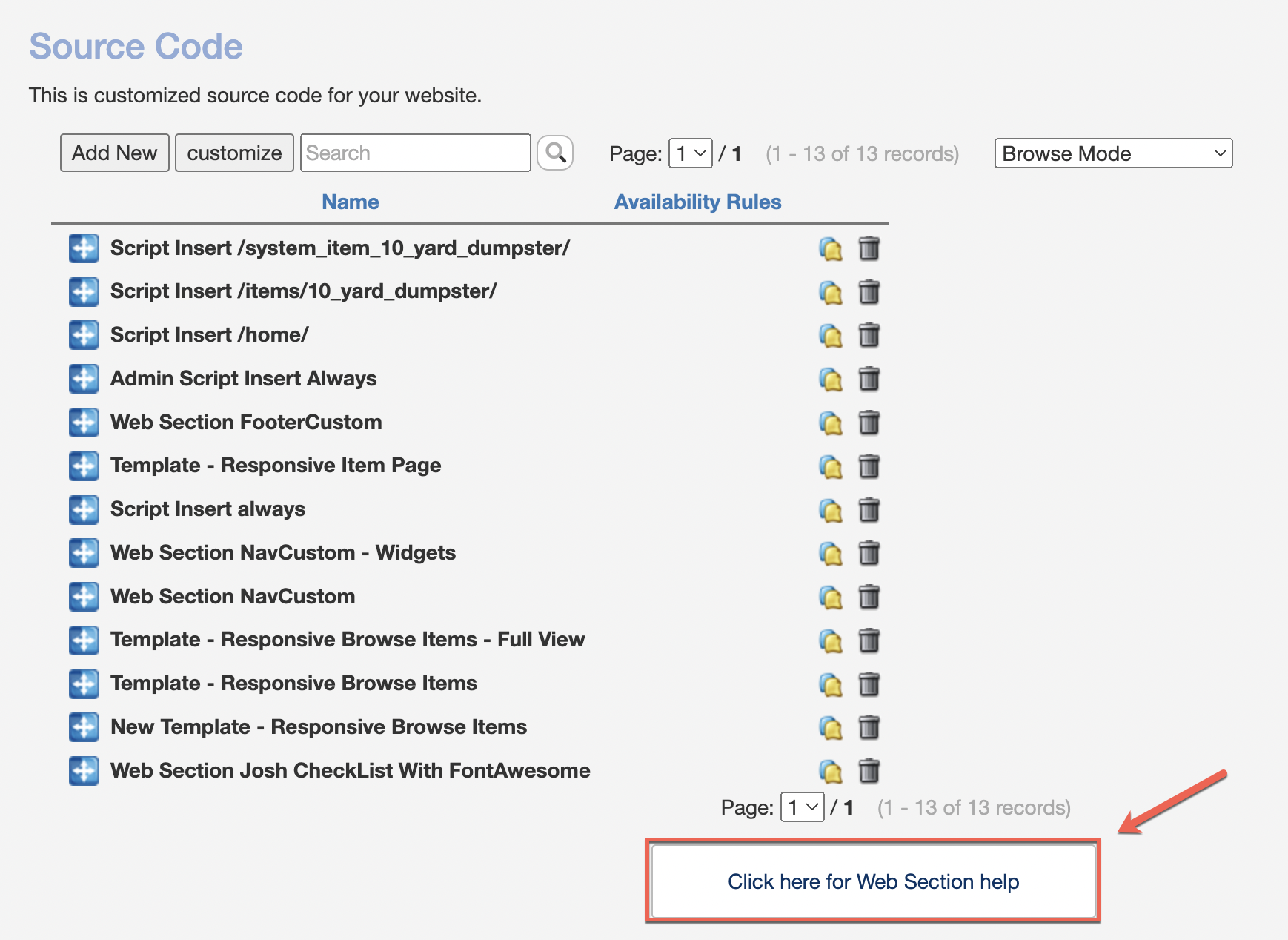
Once you have permission, you will have access to more areas and fields within the DRS Control Panel. For making or editing your own web sections, navigate to Admin > Documents > Source Code to see existing sections and find development documentation: